Small PDF guide
Make an image PDF fit a 200 KB or 500 KB limit
A portal may limit the complete PDF to a number of KB or MB. That is different from limiting each photo. Refentra checks the bytes in the finished document after all selected images have become pages. The work stays in your browser, and the source images are not uploaded.
Start with the complete page set
Select 1–25 JPEG, PNG, or static WebP images, remove duplicates, and put them in reading order. Choose A4, Letter, or image-fitted pages before setting a size maximum. The first image remains page one, even when the tool needs a lower JPEG quality or smaller embedded raster to meet the requested byte count.
Try the 500 KB PDF preset. A 200 KB preset and a custom value from 5 KB through 20 MB are available in the same control. KB and MB use decimal file-size limits: 500 KB means 500,000 bytes.
Use dimension reduction only when it is needed
The tool first searches a bounded range of JPEG qualities and will not go below quality 35. Reducing page-image dimensions is a separate, unchecked option. If enabled, it uses no more than two proportional reductions and protects the shorter side of an originally larger page image from falling below 800 pixels. The PDF paper dimensions do not change.
A real two-page result under 500 KB
These fictional sample pages contain no personal information. In a Chromium run on September 12, 2026, the two original PNGs became a 471,155-byte PDF: a landscape page followed by a portrait page, with A4 Auto orientation, JPEG quality 79, and no reduction of the page-image dimensions. The downloaded PDF was opened and both pages were checked. Browser encoders and different documents can produce different results.
- Download sample page 1: landscape PNG
- Download sample page 2: portrait PNG
- Inspect the actual two-page PDF: 471,155 bytes
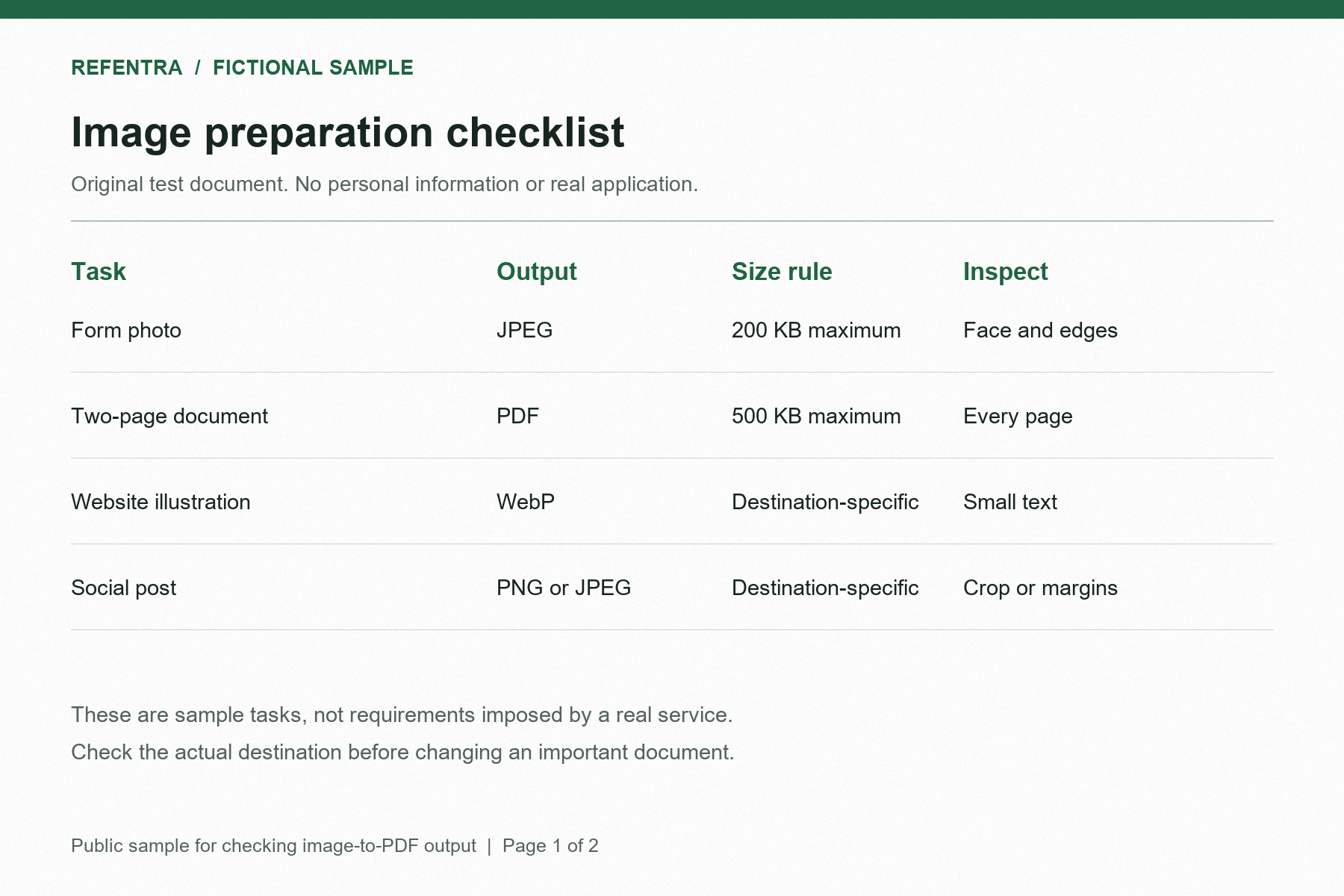
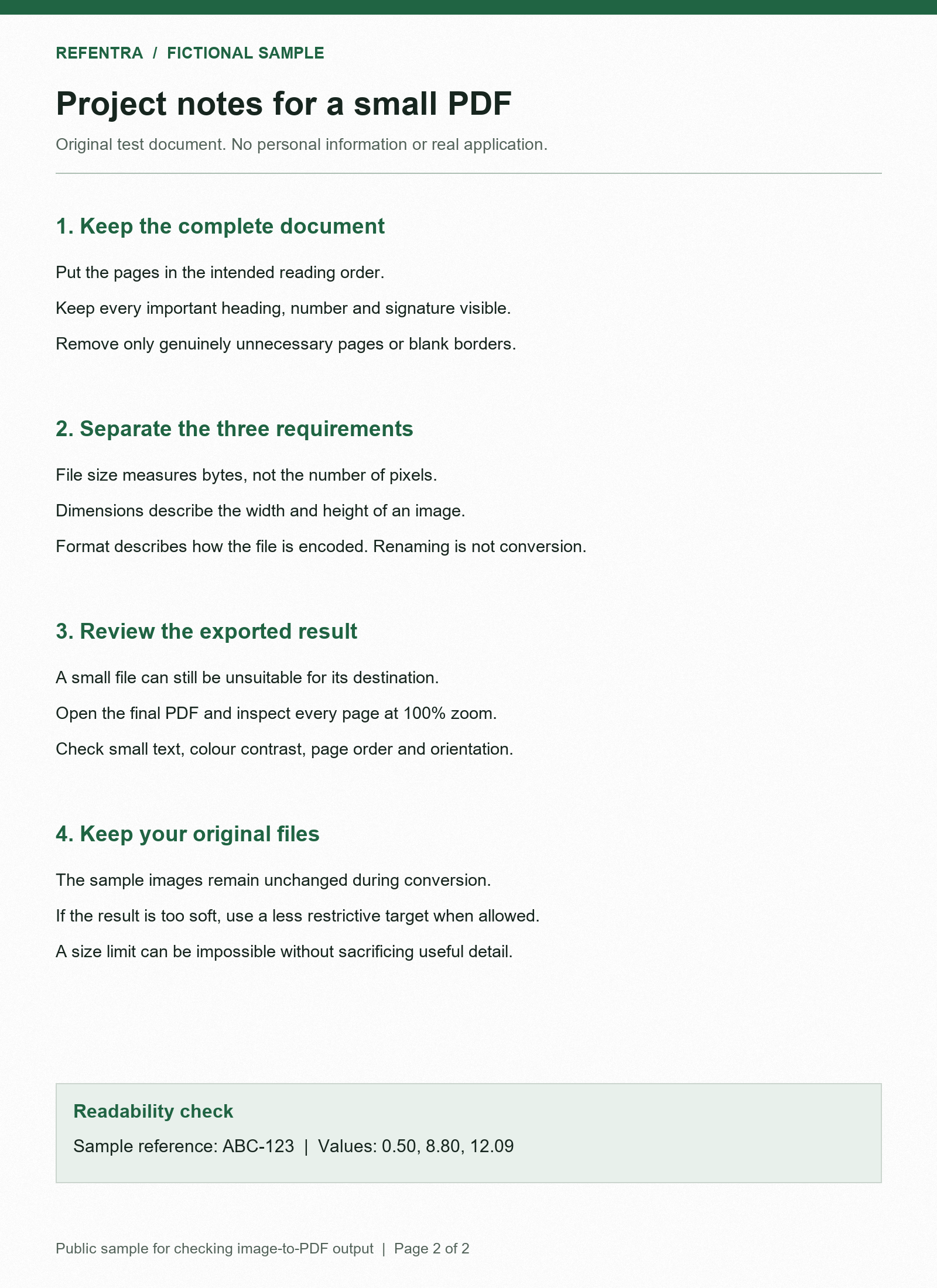
To try the same job, select both downloaded sample images in the 500 KB PDF preset, keep page 1 before page 2, and choose Create PDF. Inspect small text in the result and open the downloaded document to review every page. Refentra does not decide whether text is readable.
Verify the actual downloaded PDF
Read the exact PDF size shown in bytes. A successful 500 KB result must show no more than 500,000 bytes for the complete document. After downloading, check the file size again in your system's file properties and open the PDF to confirm page count, order, orientation, and legibility. The first-page preview shows the compressed image but does not show PDF page margins.
If the result says the target was not reached, the download is a best bounded attempt and is still larger than the requested maximum. Remove an unnecessary page, crop empty borders, or explicitly allow dimension reduction and try again. Reaching the byte limit does not certify that a particular portal will accept the document; check its current format and content rules separately.
Separate PDF limits from image upload limits
If the destination asks for a JPG or PNG rather than a PDF, use the image upload troubleshooting guide. It explains the difference between file bytes, pixel dimensions, and accepted formats. The PDF tool does not add OCR or searchable text and does not accept an existing PDF as input.
This guide was drafted and edited with AI assistance. Its product statements were checked against the browser-local tool behavior and its automated complete-PDF byte checks.