Image help
Get your image ready to upload or share
Start with the problem you need to solve. These guides explain which changes matter, how to make them with the existing tools, and what to check before using the result.
All guides: 20
Upload problems 4
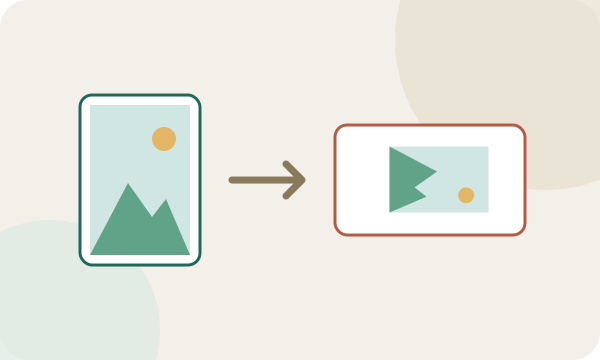
Photo sideways after upload
Upright on your phone, sideways on a website: why the rotation note gets lost and how to save a copy with the pixels turned the right way.
Ready to fix it? Open the rotate tool.
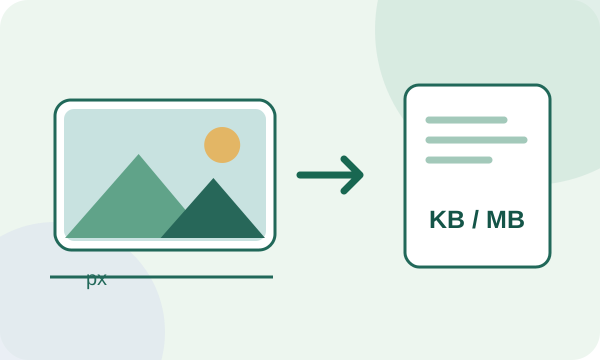
An image is too large to upload
A file-size limit in KB or MB, a width in pixels, and an accepted file format are different requirements. Find the right fix without making the picture unnecessarily blurry.
Already know the limit? Compress to a maximum file size or set exact pixel dimensions.
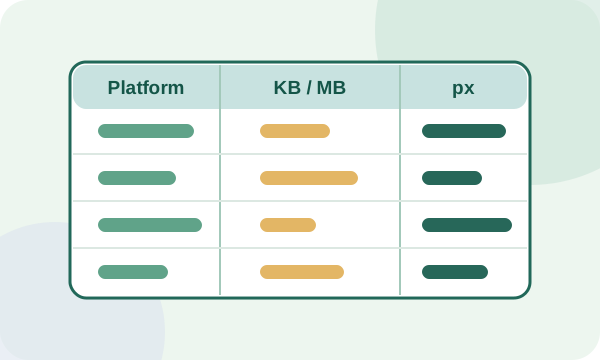
Image upload limits by platform
One dated table of official MB, megapixel, pixel and format limits for Gmail, Shopify, Etsy, Google Business Profile, Instagram, YouTube, LinkedIn and Pinterest, each with its source.
Upload problems
Photo too large for a Gmail attachment?
Check the combined attachment limit, make a smaller photo copy if it helps, or use Drive when the original must stay intact.
Upload problemsCreate PDFs 2
Combine JPG images into one PDF
Put pictures in the right page order, choose A4, Letter, or image-sized pages, and learn why turning a picture into a PDF does not make its text searchable.
Ready to build the document? Open the JPG to PDF tool.
Make an image PDF fit a size limit
Set a 200 KB, 500 KB, or custom limit for the whole PDF, look at the compressed first page, and check the downloaded file's real size and page order.
Have a 500 KB limit? Open the PDF tool with that preset.
Metadata & privacy 3

Hide private info in a screenshot
Blur and pixelation can often be reversed. Cover names, numbers and keys with a real opaque box that is burned into a new file.
Ready? Open the redaction tool.

Remove location data before sharing a photo
Check hidden GPS and EXIF fields, remove unnecessary details from a JPEG, and verify the cleaned copy. The guide also explains why metadata cleanup does not hide information visible inside the image.
Ready to clean a JPEG? Open the metadata remover.
Edit JPEG and photo metadata
Change a photo description, artist, copyright notice, capture date, or comment without re-encoding the JPEG pixels. Learn which metadata stays read only and how to verify the result.
Ready to update a JPEG? Open the metadata editor.
File formats 5
300 DPI for print: check your photo
How many pixels a photo needs for 10×15 or A4, what DPI really means and how to set the value in the file.
Ready? Check print size and set DPI.
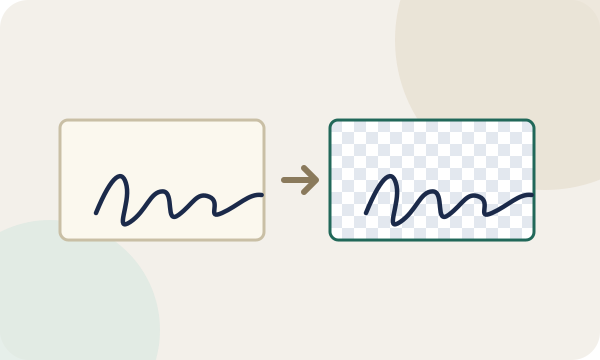
Signature as a transparent PNG
From a photo on paper to a signature without a white box: photo tips, background removal, typical mistakes and when an image is not enough.
Have the photo? Open the background tool.
JPG, PNG or WebP: which format?
Which image format fits photos, screenshots, logos and animations, with common mistakes and conversion in your browser.
Smaller website files? Convert an image to WebP.
Fix PageSpeed image warnings
Understand "Properly size images" and "Efficiently encode images" and fix them by resizing, compressing and using WebP.
Images too large? Set pixel dimensions.
Convert a HEIC photo without uploading it
Use Refentra's local browser converter or Apple's built-in export options to prepare a JPEG copy, then check its dimensions, byte count and metadata.
Ready to convert one compatible still image? Open the HEIC to JPG tool.
Platform requirements 6
Favicon not showing in Google Search
What Google requires, how to create and install an ICO file, and why it may not appear yet.
No file yet? Open the favicon tool.
Send WhatsApp photos in better quality
Why WhatsApp shrinks photos, when HD or sending as a document helps, and what to do for Status and profile pictures.
iPhone HEIC file? Convert it to JPG.
Make a photo square without cropping
Fit the whole photo into a square with padding instead of cutting the edges: steps, background colour and limits.
Ready? Resize for social media.
Shopify says an image is too large, but it is under 20 MB
Check megapixels and the upload area before compressing. A file can pass the MB limit and still exceed the theme image pixel limit.
Platform requirements
Business Profile photo rejected or missing?
Check the file guidelines, profile verification and photo status before resizing again.
Platform requirements
Prepare a listing photo for Etsy
Separate Etsy's 2000-pixel recommendation from its 1 MB upload warning, reduce file size without discarding useful detail, and check how the result appears in the listing.
Need to reduce the file first? Open the target-size compressor.