Try this example
Files & details
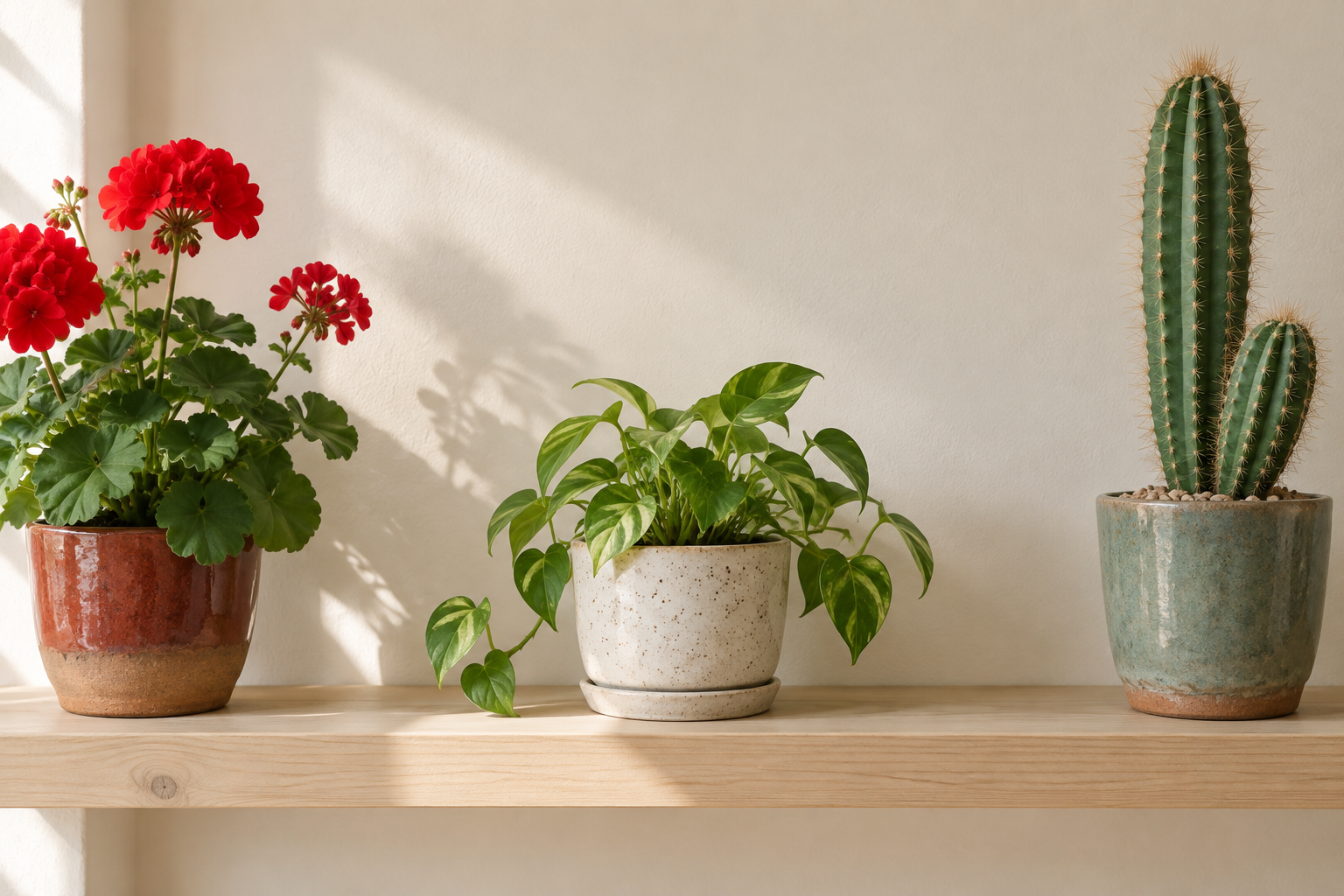
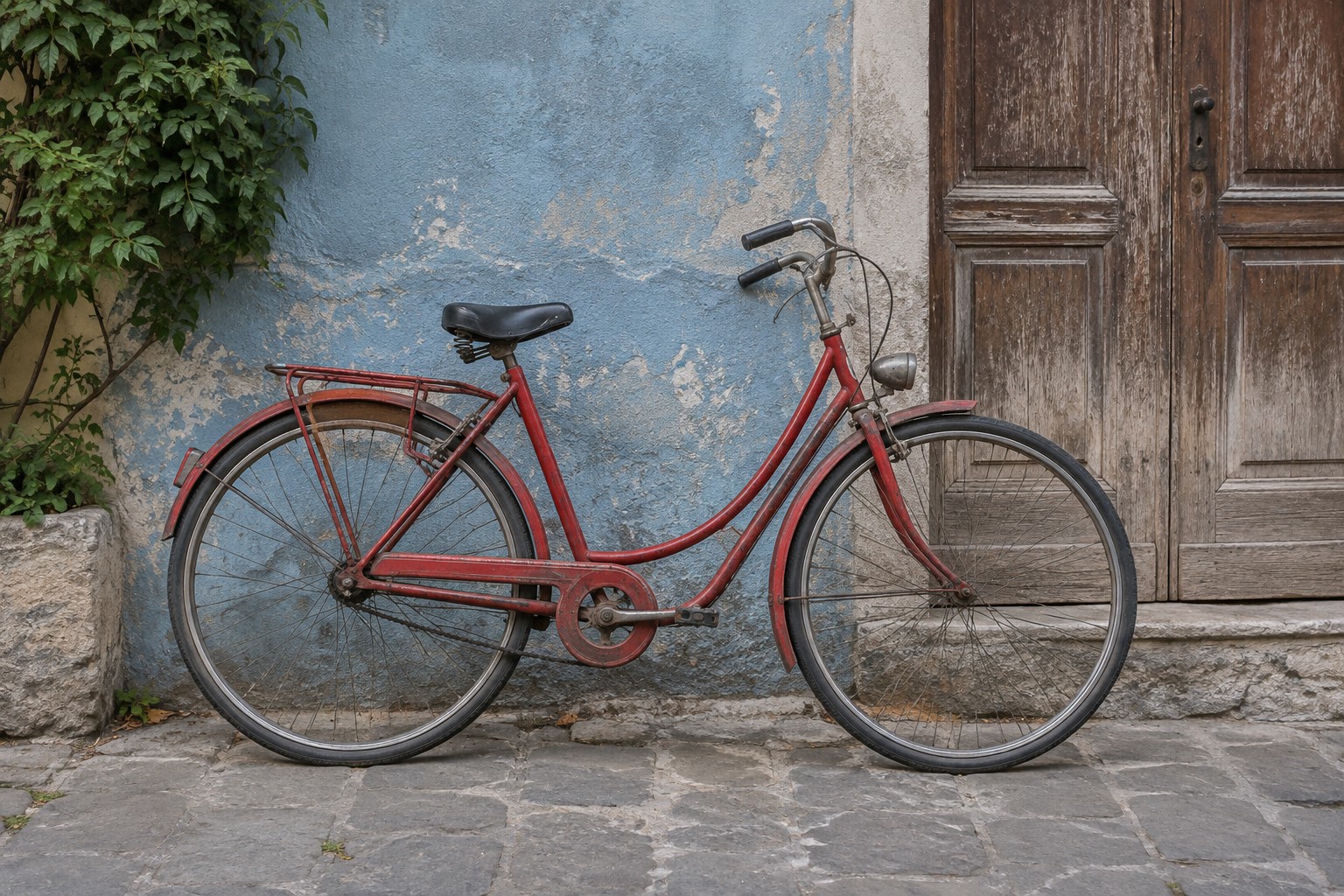
Original: PNG, 2,257,414 bytes, 1536 × 1024 px
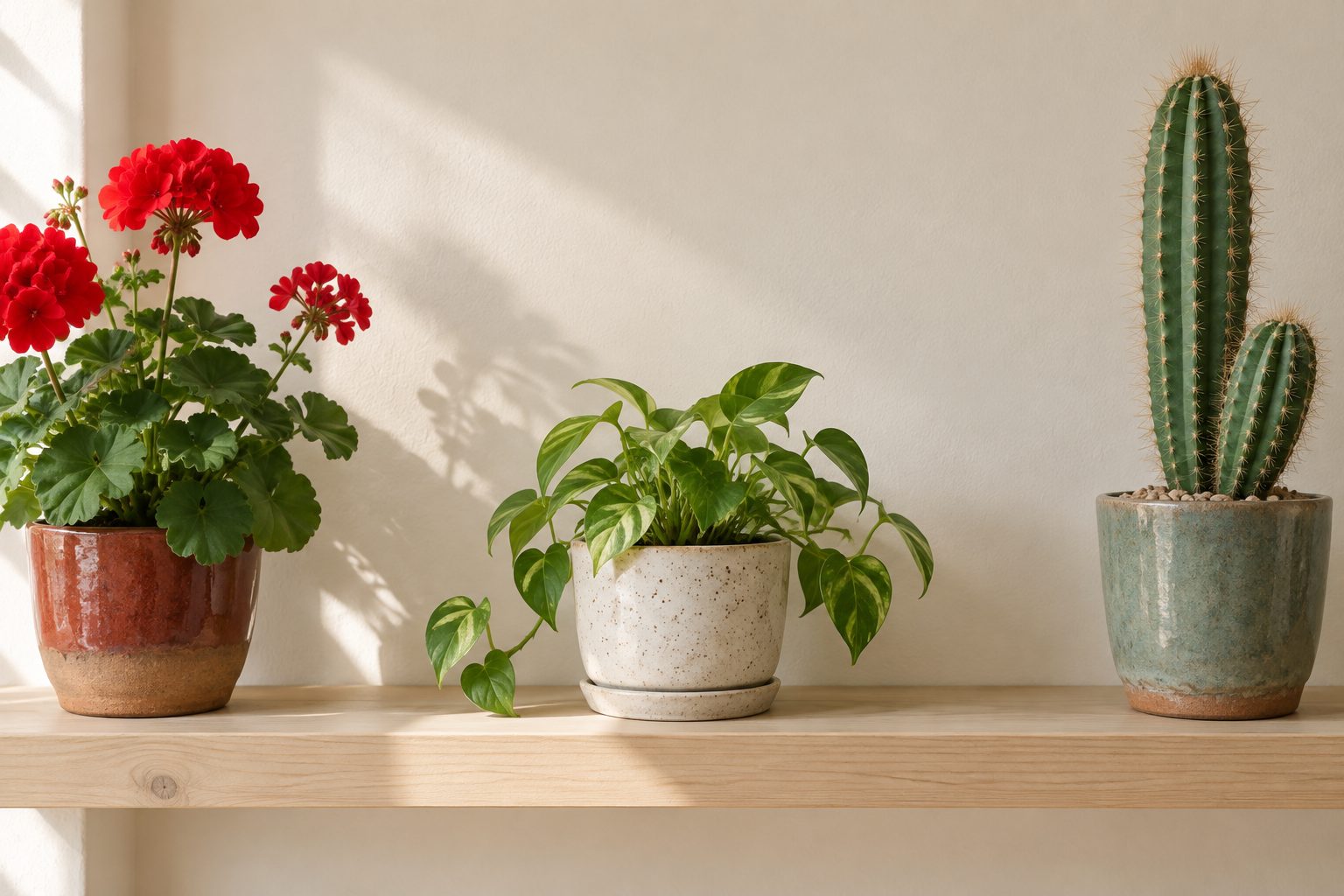
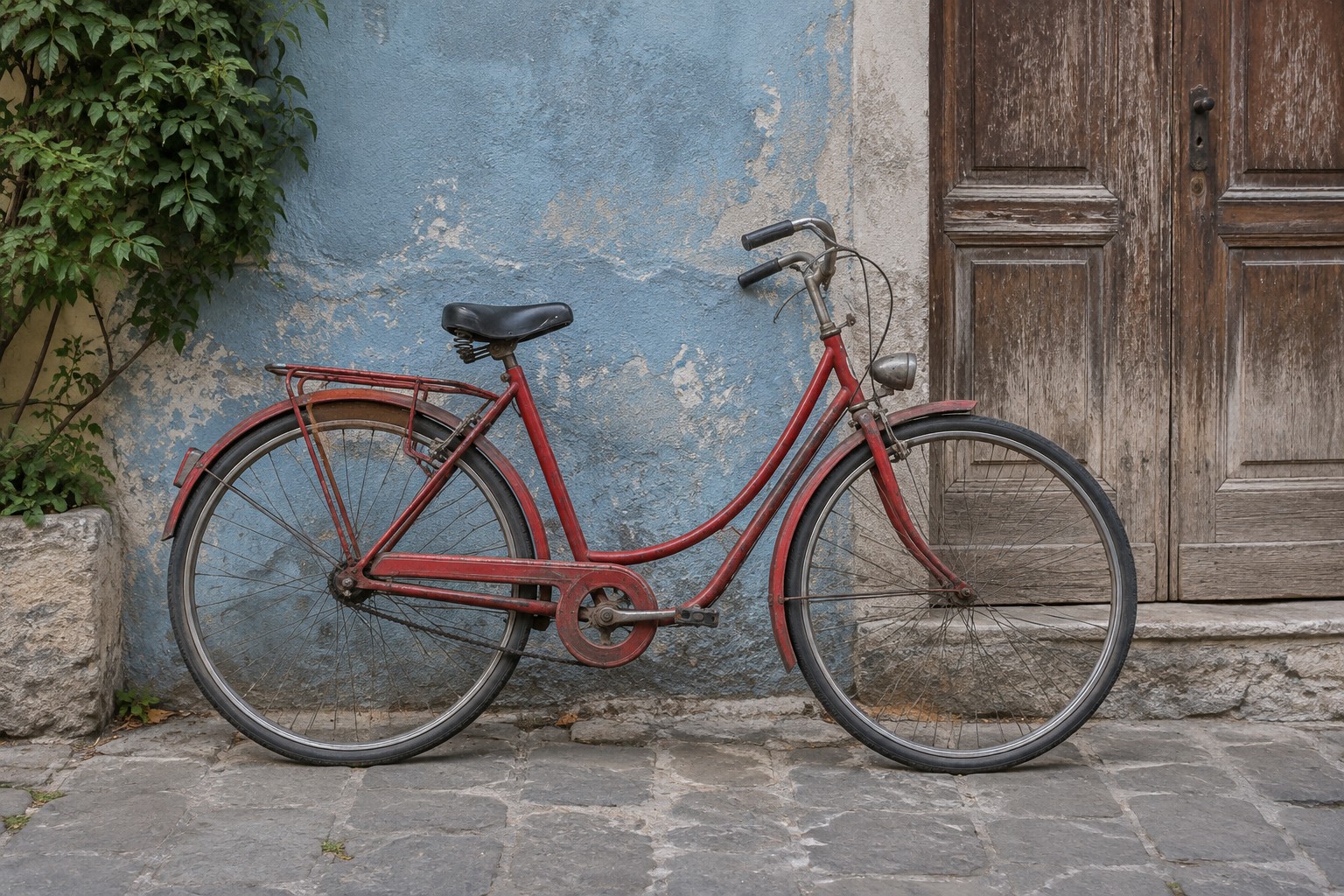
Result: JPEG, 194,991 bytes, 1536 × 1024 px
Same dimensions; fine edges slightly softer.
Download the originalDownload the resultPrivate image tools
Resize, convert, compress, crop and edit metadata. Your files stay in your browser, and you don't need an account.
Same image. Smaller file. Still private.
Tasks
Choose what you need to do. Every tool runs in your browser.Tools for everyday tasks.
All toolsChoose a workflow
Choose a category or browse every available tool.
Real results
Download an original, then select it in a tool.AI samples, real tool outputs. Download an original to try.
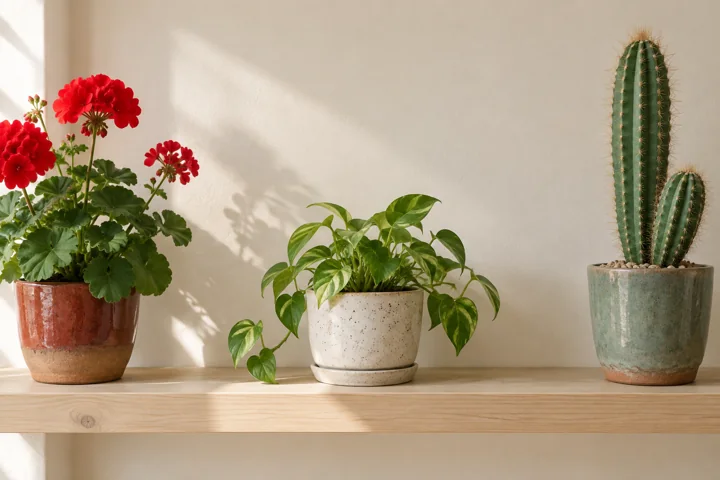
Original: PNG, 2,257,414 bytes, 1536 × 1024 px
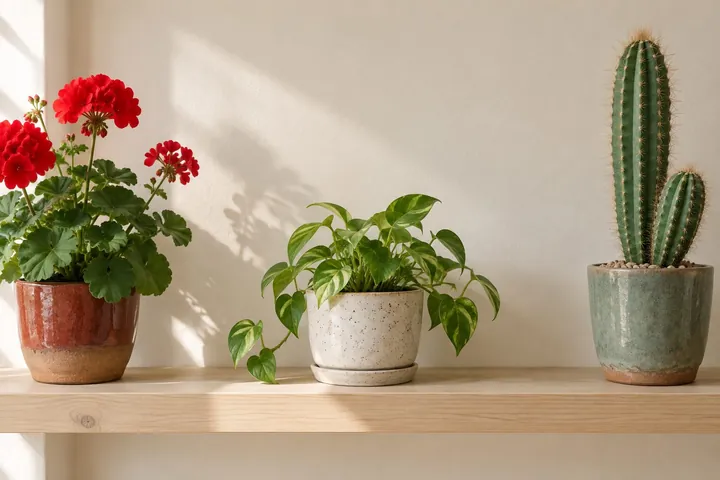
Result: JPEG, 194,991 bytes, 1536 × 1024 px
Same dimensions; fine edges slightly softer.
Download the originalDownload the result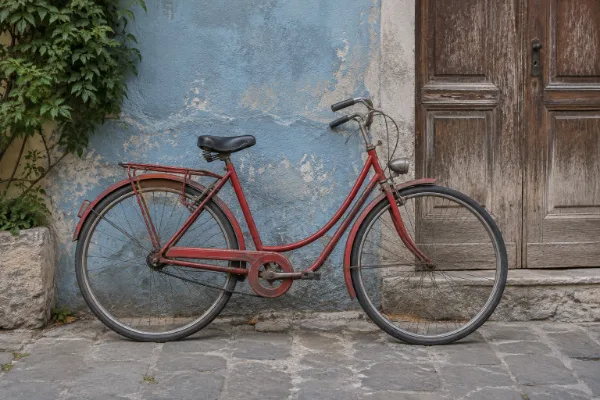
Before: no EXIF Artist (589,670 bytes)
After: Artist “Refentra example” (589,730 bytes)
Pixels stay identical; only the field changes.
Download the originalDownload the result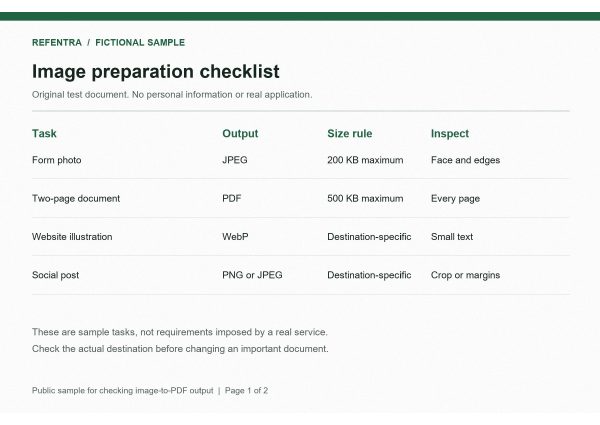
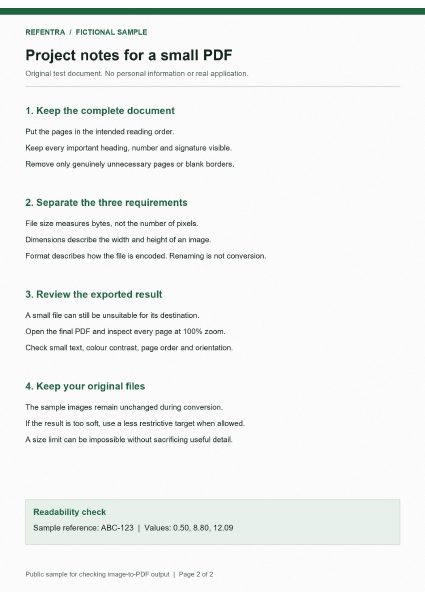
Original: two PNG pages (landscape + portrait; ZIP download)
Result: PDF, 471,155 bytes, 2 pages, A4 Auto
Whole document under the limit; page 1 landscape, page 2 portrait.
Download the originalDownload the resultOwn synthetic examples, made with AI. These are real tool outputs; previews are reduced for display.
Pick a tool for your task and select your file.Pick a tool and a file.
Processing happens locally; your files stay on your device.Files stay on your device.
Save the result and check that it meets your requirements.Save and check the result.
Diagnosis
Pick the problem. Sometimes the right answer is that no further tool is needed.
View all guidesYour privacy comes first
Your files are processed locally in your browser. No file upload and no account needed.
Privacy