Etsy image workflow
Etsy listing photo size: what Etsy asks for and how to fix your photo
Quick answer: Etsy recommends listing photos at least 2000 pixels wide and high, with a landscape or square first photo. That is a recommendation; a smaller photo can still be published. If an upload stalls, save a JPEG copy under 1 MB without changing its pixel size: open the compressor with Etsy settings (JPEG, 1,000 KB). The photo is processed on your device, not uploaded to Refentra.
Files are processed locally.
On this page
What Etsy says
- Size (recommended)
- At least 2000 px wide and high
- First photo (recommended)
- At least 635 px wide and high, landscape or square; smaller first photos may show up lower in search
- File size
- No maximum stated. Files over 1 MB may not finish uploading, especially on a slow connection
- File types (required)
- .jpg, .gif, .png, .svg, .heic – no animated GIFs, no transparent PNGs
- Transparency
- Transparent areas appear black on Etsy
- Per listing
- Up to 20 photos and 2 videos (5–15 seconds)
- Colours
- Etsy converts images to sRGB
Source: Etsy Help, Requirements and Best Practices for Images and How to Create a Listing, checked 4 October 2026. Refentra is not affiliated with Etsy.
Two different numbers are involved. Pixels (e.g. 3000 × 2000) decide how much detail buyers can zoom into. File size (KB or MB) decides how much data has to be uploaded. You can lower the file size without touching the pixels, which is exactly what the fix below does.
Fix: the upload stalls or never finishes
- Open the compressor with Etsy settings. It sets the maximum file size to 1,000 KB and the output to JPEG. Your original file is not changed.
- Choose the photo (JPG, PNG or WebP, up to 25 MiB). Leave "Further requirements" empty so the pixel size stays the same.
- Select Prepare image. If the photo is already under the limit, the tool says "Original already fits" – then the size is not your problem; retry on a stable connection.
- Look at the result at full size (texture, edges, small text on labels) and select Download result. Upload that copy to Etsy.
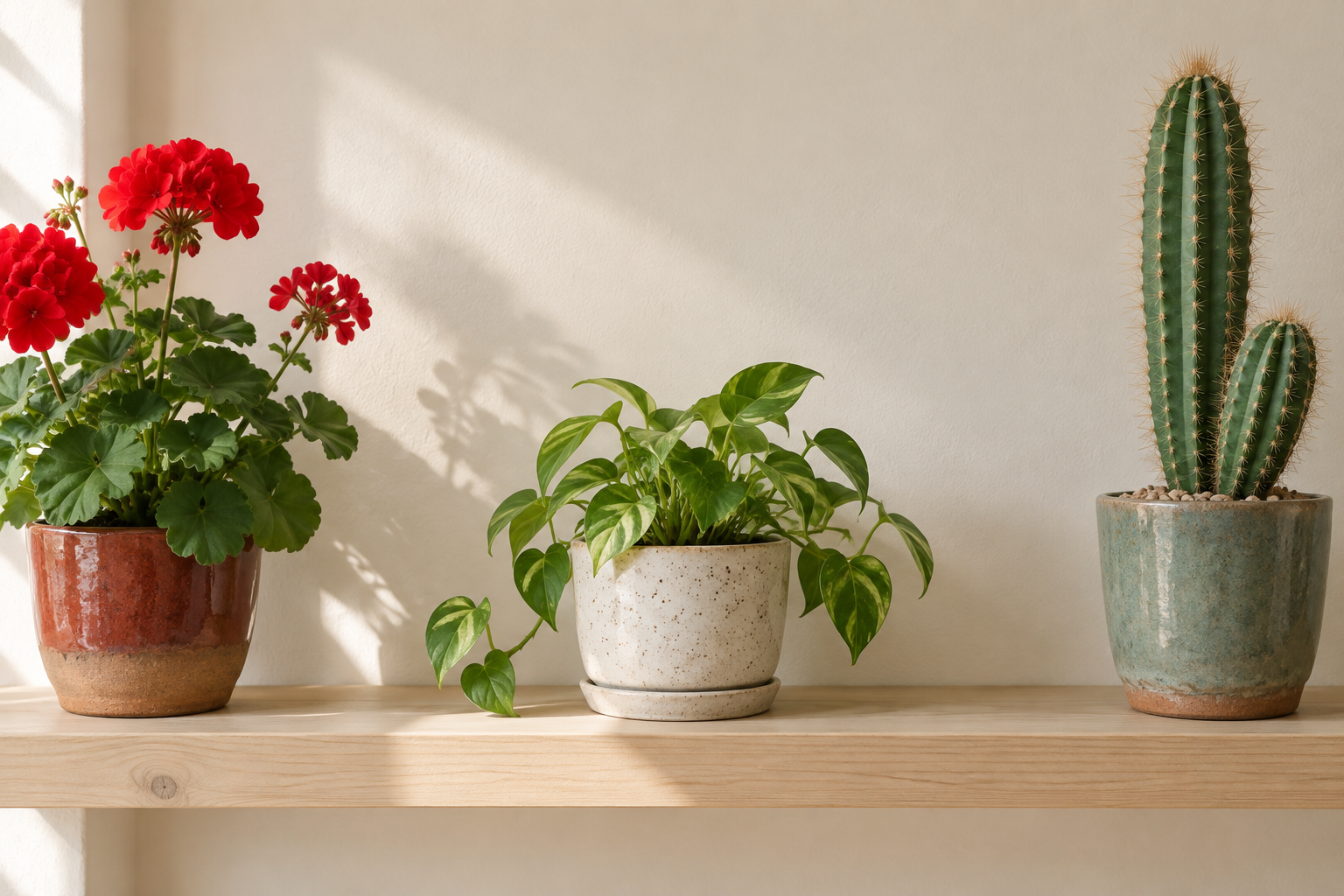
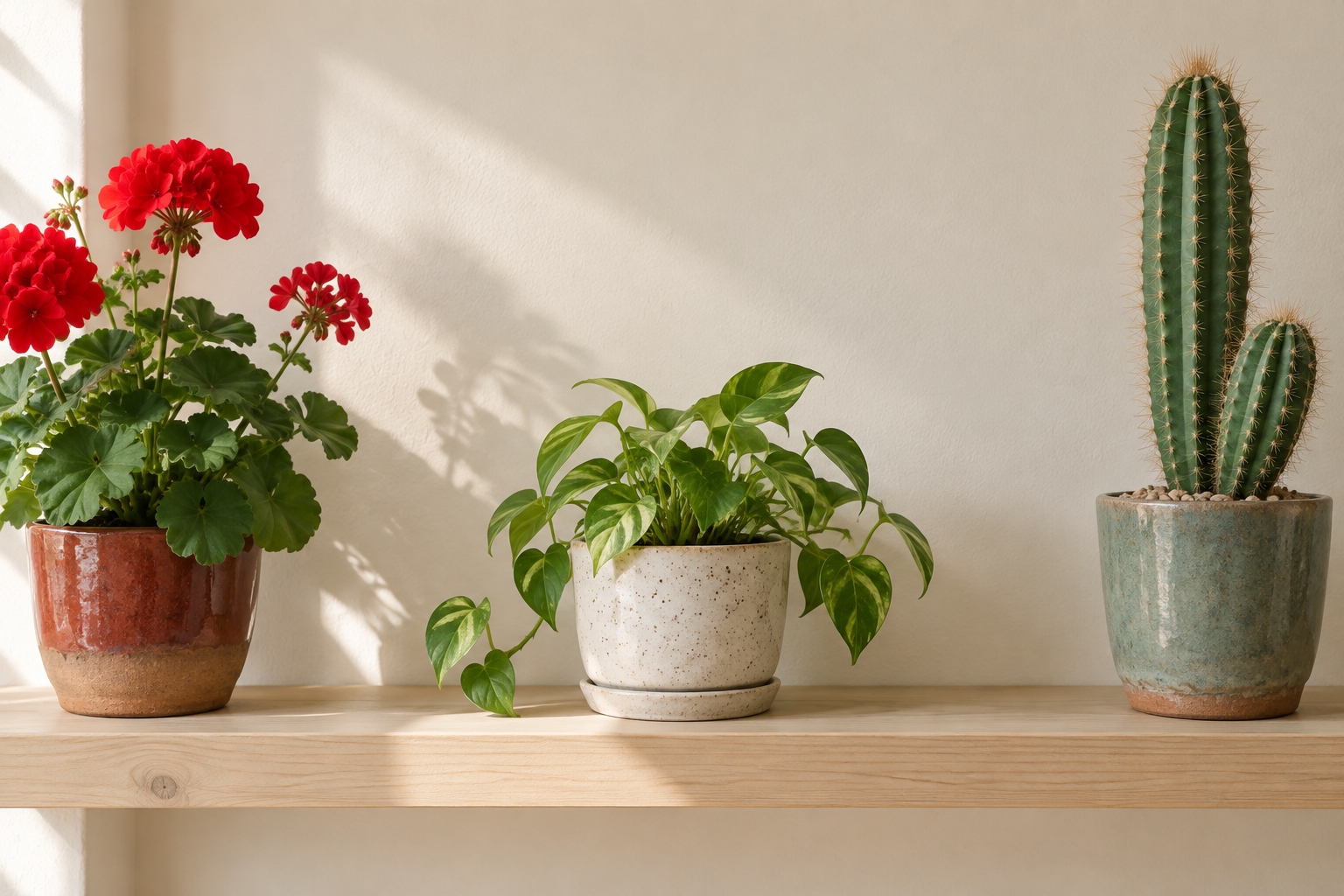
That is the recorded result for the tool's own sample photo; your photo will give a different number. Try it with the sample PNG and compare with the recorded JPEG.
Fix: "Listings look best with photos at least 2000 pixels wide"
Etsy shows this message when a listing photo is narrower than 2000 pixels. According to Etsy's help it is only a suggestion: you can continue and publish. To do better:
- Check the real pixel size in your phone's photo details or your computer's file properties.
- Use the original camera file. Copies sent through messengers or saved as screenshots are often much smaller.
- Do not enlarge a small photo to reach 2000 px. It gets bigger but not sharper; Etsy itself warns that enlarging can cause pixelation. Retake the photo if detail matters.
Fix: the thumbnail cuts off the product
Etsy crops the first photo into square, portrait and landscape thumbnails in different places. Etsy recommends a landscape or square first photo, some space around the product, and the product in the centre. Then use the thumbnail adjustment in the listing editor to preview each crop.
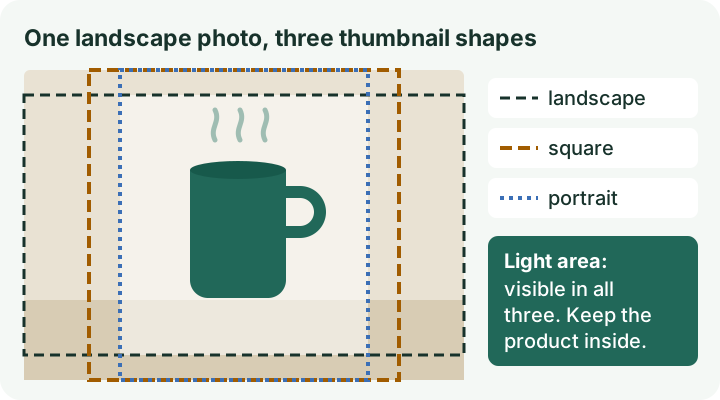
If the product fills the whole frame, no setting can bring back the cut-off parts: take the photo again from further away. If a photo has too much empty space on the sides, trim it with the image cropper, but keep the result landscape or square.
Fix: a black background appears
Transparent parts of a PNG appear black on Etsy. Save a copy with a white (or other solid) background with PNG to JPG, then upload the JPG. If colours look different after upload, export the photo in sRGB from your editing app; Etsy converts to sRGB anyway.
Sources and method
All Etsy statements above come from the two Etsy Help pages linked in the table, checked on 4 October 2026. Etsy can change them; check the pages before preparing a large batch. Tool steps and labels were checked against Refentra's current compressor. This guide was drafted and edited with AI assistance.
Related: image too large to upload · convert iPhone HEIC photos to JPG · all image guides