Result examples

Worked examples with real tool outputs

Each card starts from a concrete problem, uses an own synthetic source file (created with AI, no customer data), states the exact settings, and links the actual produced file. Nothing on this page is a mock-up; the downloadable files are the recorded outputs. Every card also names what the result does not prove.

Worked examples

6 / 6

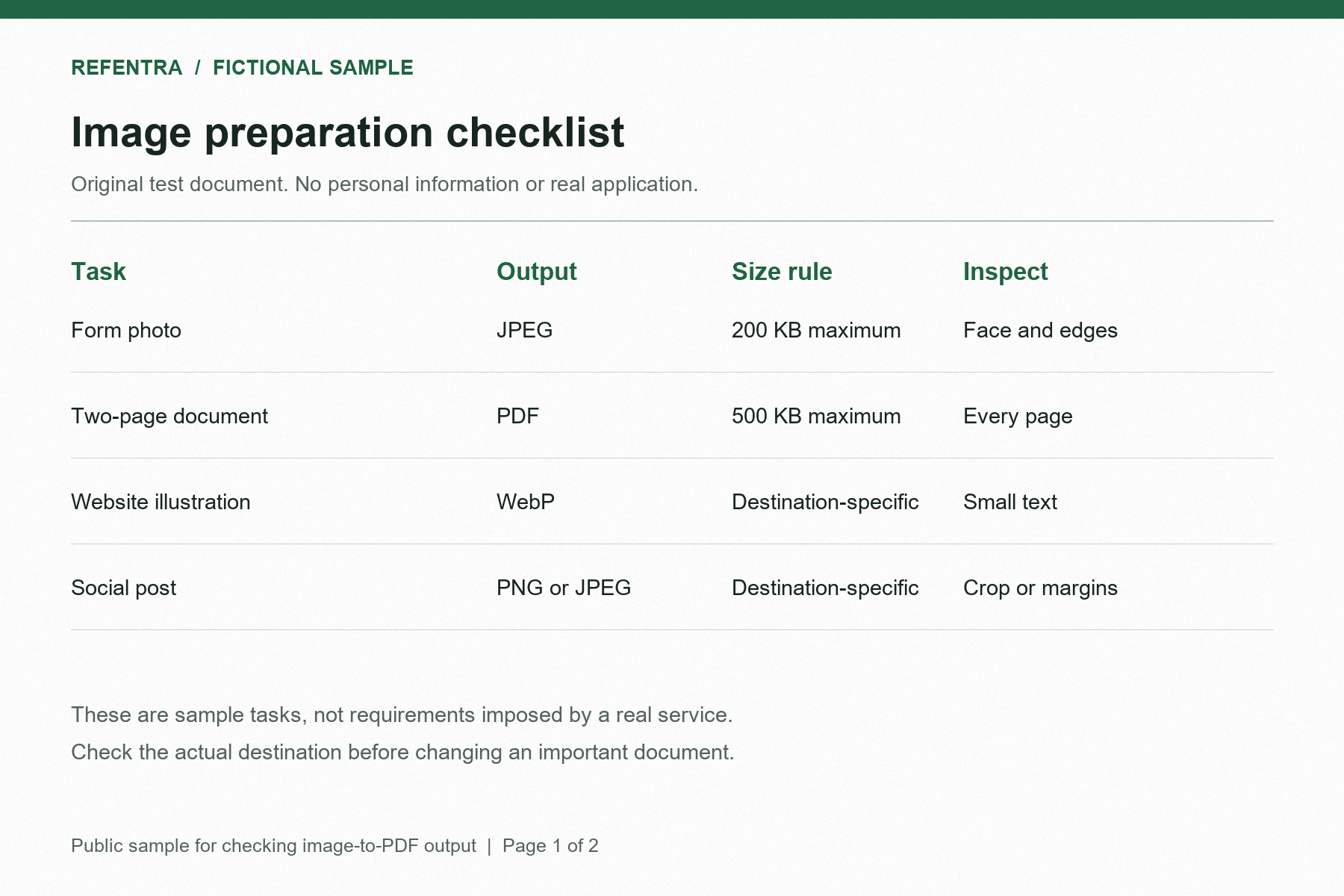
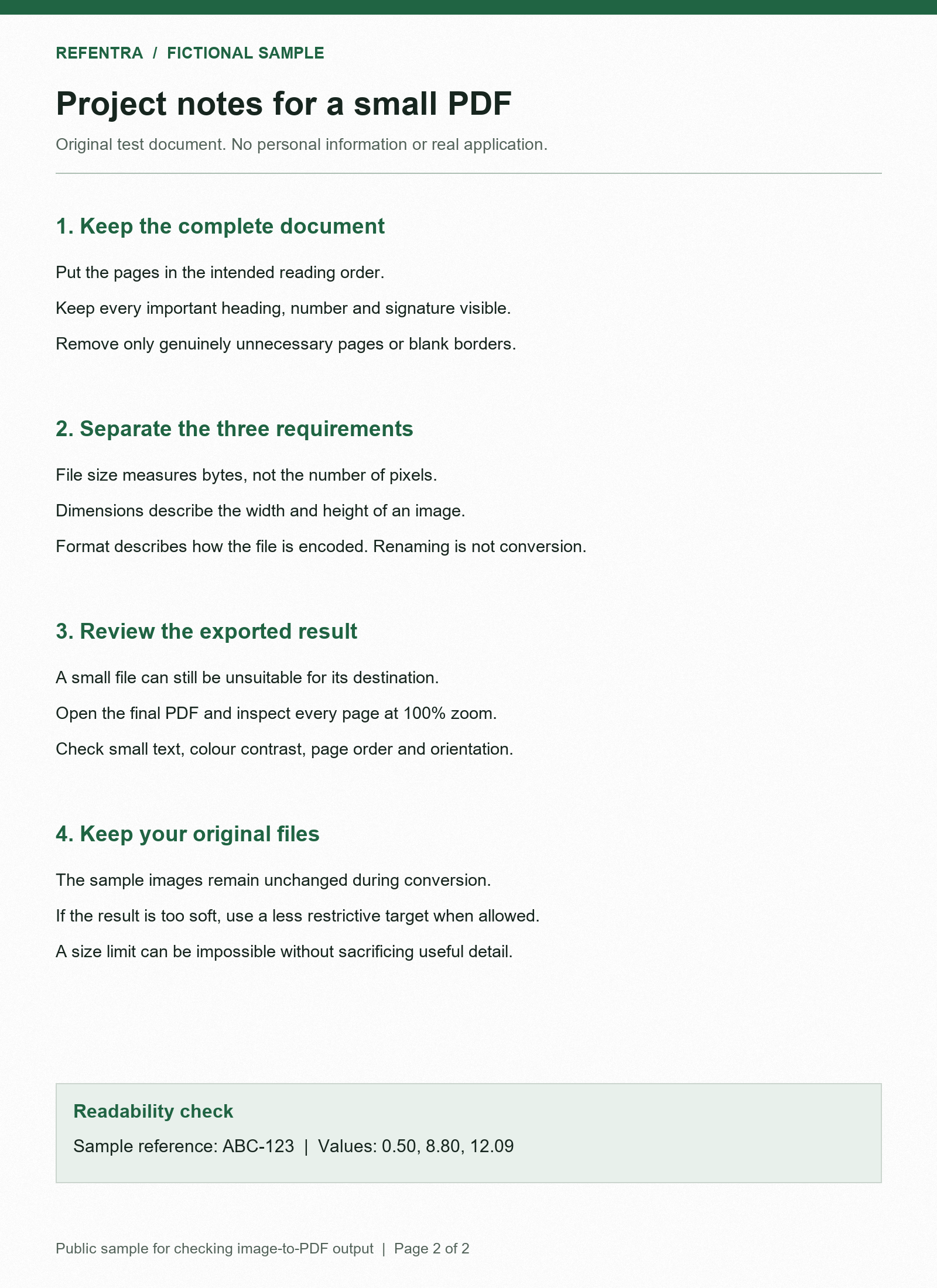
Two document pages under 500 KB

A portal demands the complete PDF, not each photo, under 500 KB — two photographed pages must stay ordered and readable.

Source: Two document pages under 500 KB
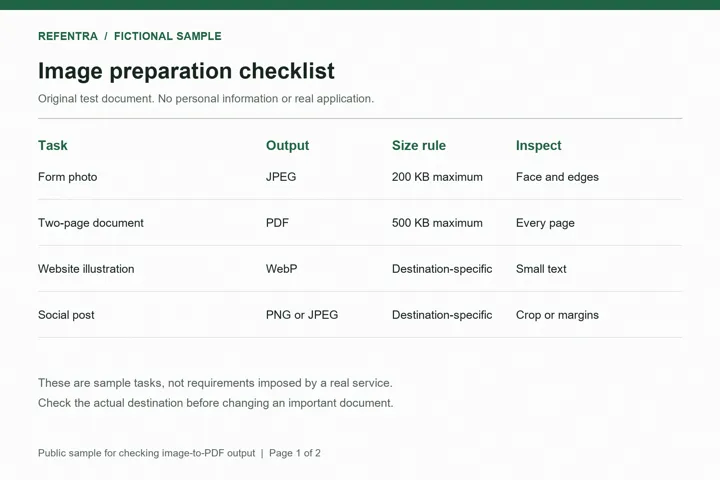
Source2 PNG pages · 1800 × 1200 and 1600 × 2200 px
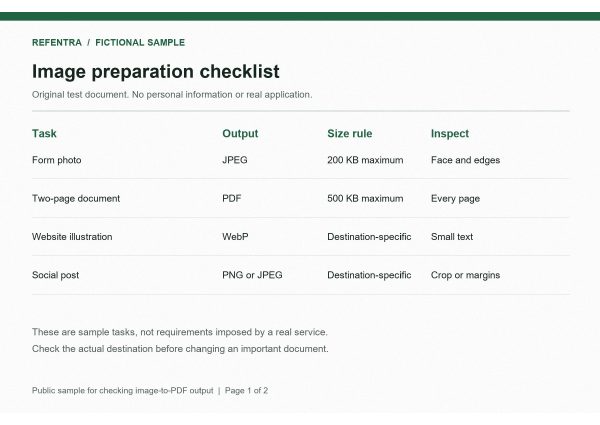
Page 1 of the recorded PDF
ResultPDF · 471,155 bytes · 2 pages
Full example & downloads
Problem
A portal demands the complete PDF, not each photo, under 500 KB — two photographed pages must stay ordered and readable.
Source
Two own synthetic sample pages (created with AI, no personal data): a landscape 1800 × 1200 page and a portrait 1600 × 2200 page.
Settings
Paper A4, per-image orientation (Auto), whole-PDF limit 500,000 bytes. Recorded run: Chromium, September 12, 2026, JPEG quality 79, page-image dimensions not reduced.
Result
pdf-size-example-500kb.pdf — 471,155 bytes, 2 pages.
Visible change
Page 1 is landscape, page 2 portrait, both on white A4 pages in the set order. The whole-document size counts, not a per-page target.
Limit
The limit applies to the complete PDF. Legibility is a manual check: open every page at sufficient zoom. The in-tool preview does not show PDF page margins.

Try this example Download both sample pages first and select them in the tool; the browser-local tool cannot fetch remote files.

Background: the PDF size limit guide

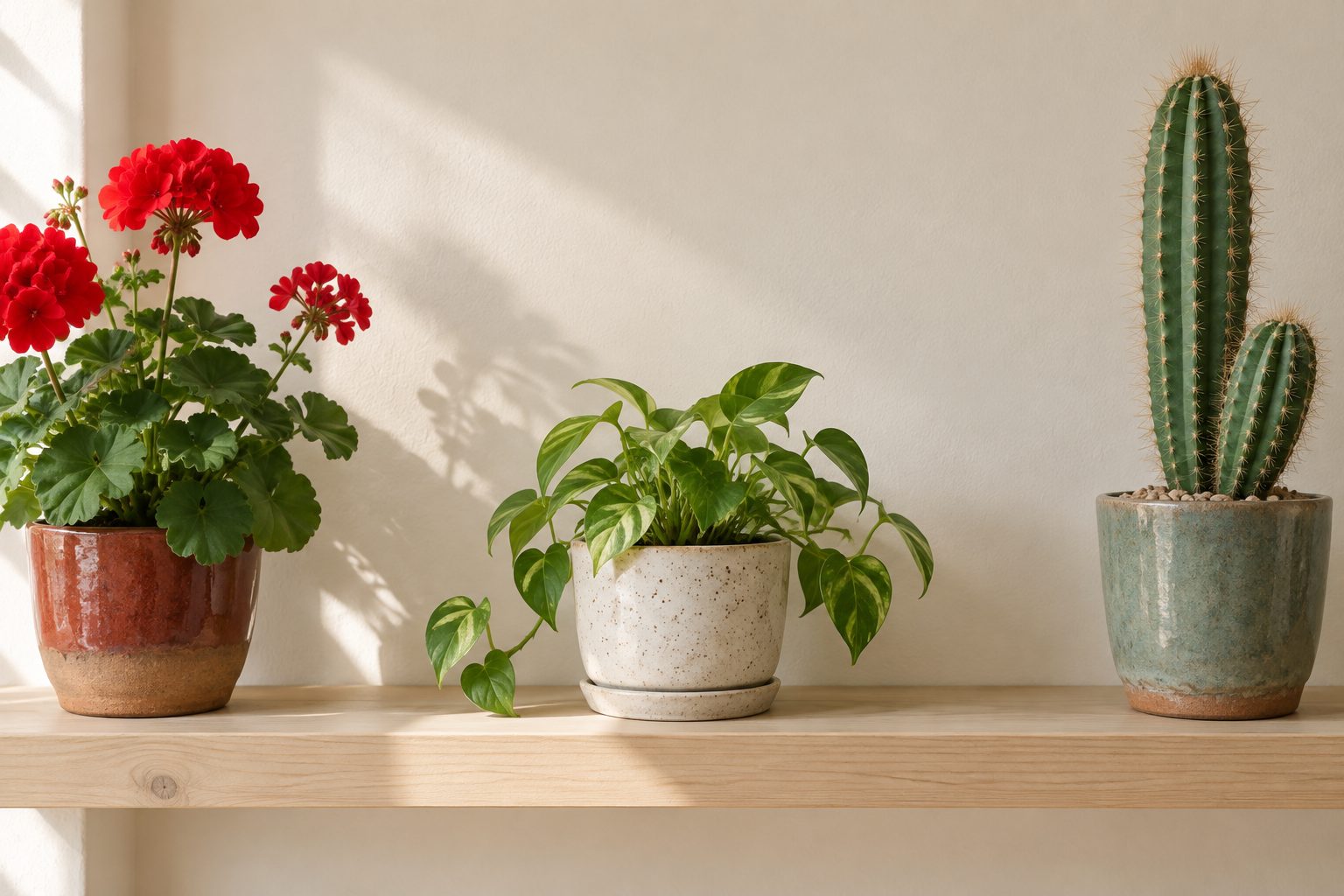
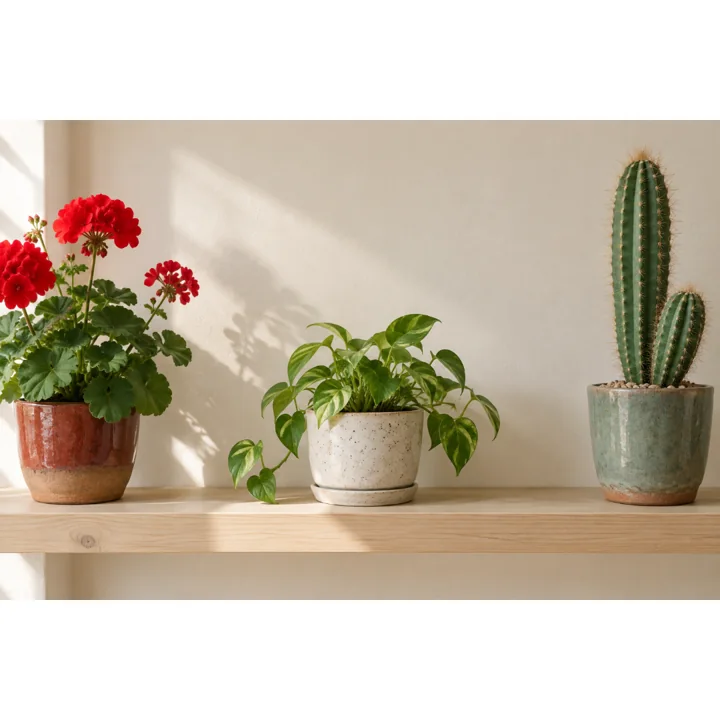
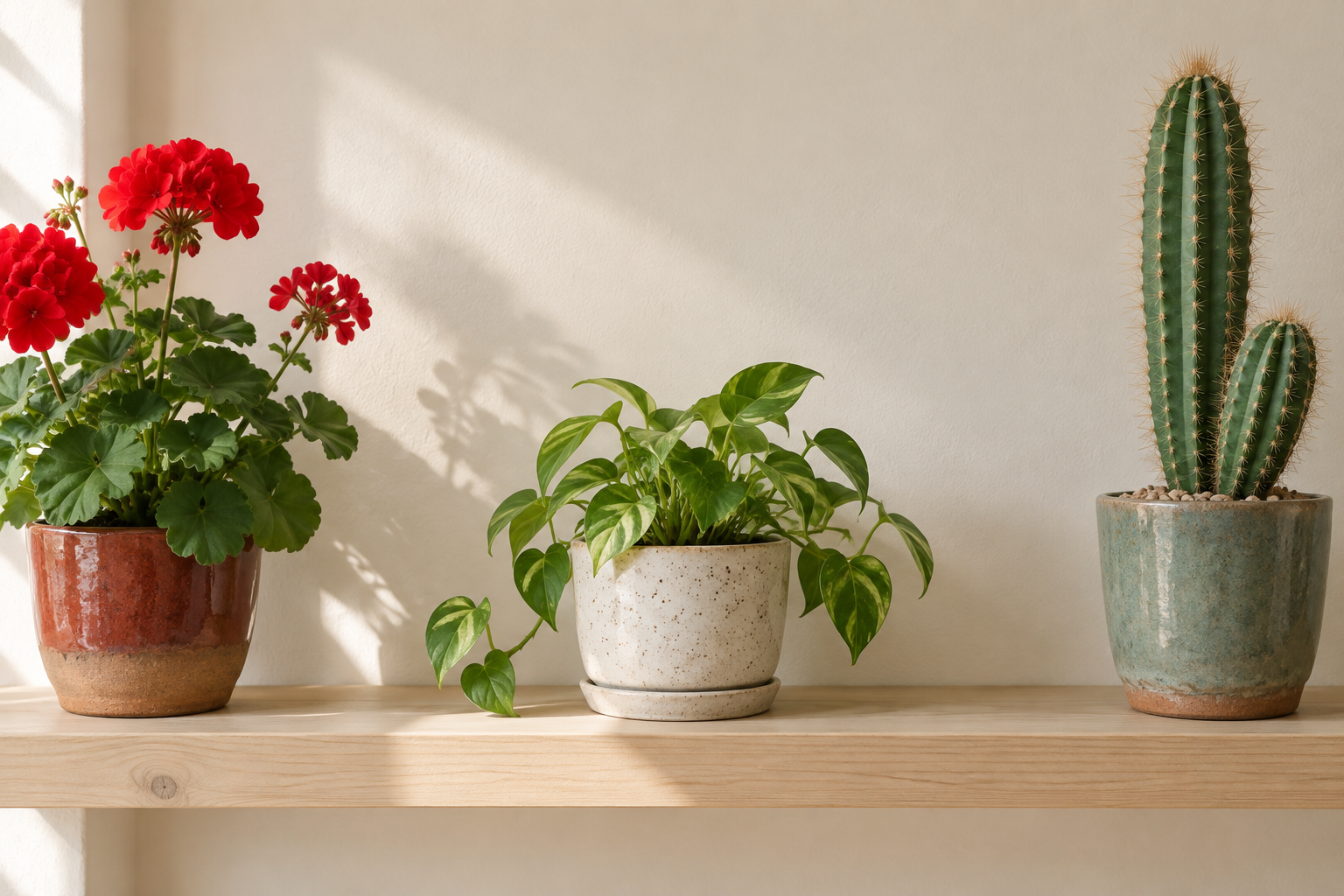
A landscape photo on a square canvas

A platform expects a square image, but the photo is landscape and the subject must not be cut off.

Source: A landscape photo on a square canvas
Source1536 × 1024 px, landscape
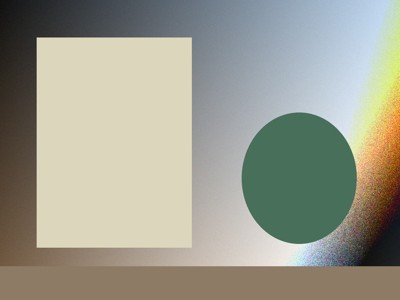
Result: A landscape photo on a square canvas
Result1080 × 1080 px, fitted without cropping
Full example & downloads
Problem
A platform expects a square image, but the photo is landscape and the subject must not be cut off.
Source
The same own synthetic landscape photo as above: 1536 × 1024 px.
Settings
Exact 1080 × 1080 canvas, whole picture fitted with padding (no crop), no upscaling.
Result
instagram-square-fit.png — 1,532,422 bytes, 1080 × 1080 px.
Visible change
The full composition remains visible; the picture area is 1080 × 720 px centered with empty bands above and below instead of a cut at the edges.
Limit
Padding is the tradeoff for keeping the subject. A correct pixel size does not guarantee how a platform later crops or overlays the picture; check its publishing preview.

Try this example

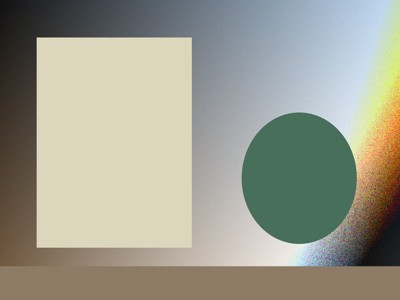
Transparent PNG to JPG with a confirmed white background

A destination accepts JPG but the source PNG contains transparent areas that cannot survive the format change.

Source: Transparent PNG to JPG with a confirmed white background
SourcePNG with transparency · 7,751 bytes
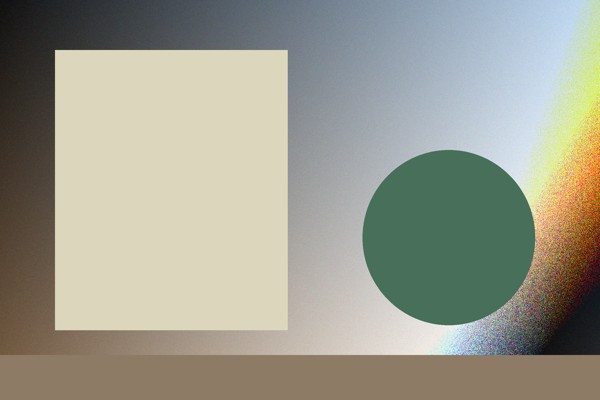
Result: Transparent PNG to JPG with a confirmed white background
ResultJPEG on white · 23,070 bytes
Full example & downloads
Problem
A destination accepts JPG but the source PNG contains transparent areas that cannot survive the format change.
Source
Own synthetic transparent PNG: 7,751 bytes, 800 × 600 px. The original is linked below.
Settings
PNG to JPG, quality 90, white background selected and explicitly confirmed. Recorded in Chromium 151.0.7922.34 on September 21, 2026.
Result
transparent-png-to-jpg.jpg — 23,070 bytes, JPEG, 800 × 600 px.
Visible change
Transparent pixels are composited onto white; the output decodes as an RGB JPEG at the original dimensions.
Limit
JPG cannot retain transparency. The white background is an intentional output change, not a restored or reversible alpha channel.

Try PNG to JPG

Remove GPS data while keeping the JPEG orientation

A synthetic JPEG contains a GPS metadata block and must be cleaned before sharing without a pixel re-encode.

Source: Remove GPS data while keeping the JPEG orientation
SourceJPEG · 13,231 bytes · GPS present
Result: Remove GPS data while keeping the JPEG orientation
ResultJPEG · 13,009 bytes · no GPS pointer
Full example & downloads
Problem
A synthetic JPEG contains a GPS metadata block and must be cleaned before sharing without a pixel re-encode.
Source
Own synthetic JPEG fixture: 13,231 bytes, 400 × 300 px, EXIF orientation 6 and GPS present.
Settings
Remove personal metadata locally. Recorded in Chromium 151.0.7922.34 on September 21, 2026; the browser integrity path passed.
Result
metadata-gps-clean.jpg — 13,009 bytes, JPEG, 400 × 300 px.
Visible change
An independent Pillow read found no GPS pointer in the result; dimensions and orientation 6 remain present.
Limit
Metadata removal does not make a photo anonymous. Faces, visible addresses, filenames, and other image content still need a separate review.

Remove metadata from your JPEG

A mixed batch with one damaged file

Two valid images should be converted together while a malformed third file remains visible instead of disappearing.

Source: A mixed batch with one damaged file
Source3 inputs, 1 damaged (100 bytes)
Result: A mixed batch with one damaged file
ResultZIP · 223,300 bytes · 2 PNGs, 1 failure listed
Full example & downloads
Problem
Two valid images should be converted together while a malformed third file remains visible instead of disappearing.
Source
Own synthetic batch: JPEG 600 × 400, transparent PNG 800 × 600, and a 100-byte truncated JPEG.
Settings
Output PNG, sequential processing, three selected inputs. Recorded in Chromium 151.0.7922.34 on September 21, 2026.
Result
batch-mixed-results.zip — 223,300 bytes; exactly two verified PNG members and one visible malformed-file failure.
Visible change
The two valid files become 600 × 400 and 800 × 600 PNGs; the damaged input stays listed as malformed and is excluded from the ZIP.
Limit
A partial batch is not an all-success result. Check the member list and retry the failed original separately.

Run the PNG batch workflow

This page exists in English and German. Other language versions do not exist yet.

All image tools →